Your Guide to Creating and Selling PPV Content on OnlyFans
Author
Lukas Böse · Founder of Boese VA
Lukas runs Boese VA’s 24/7 chatting team and helps creators and agencies grow on OnlyFans. Lukas on YouTube
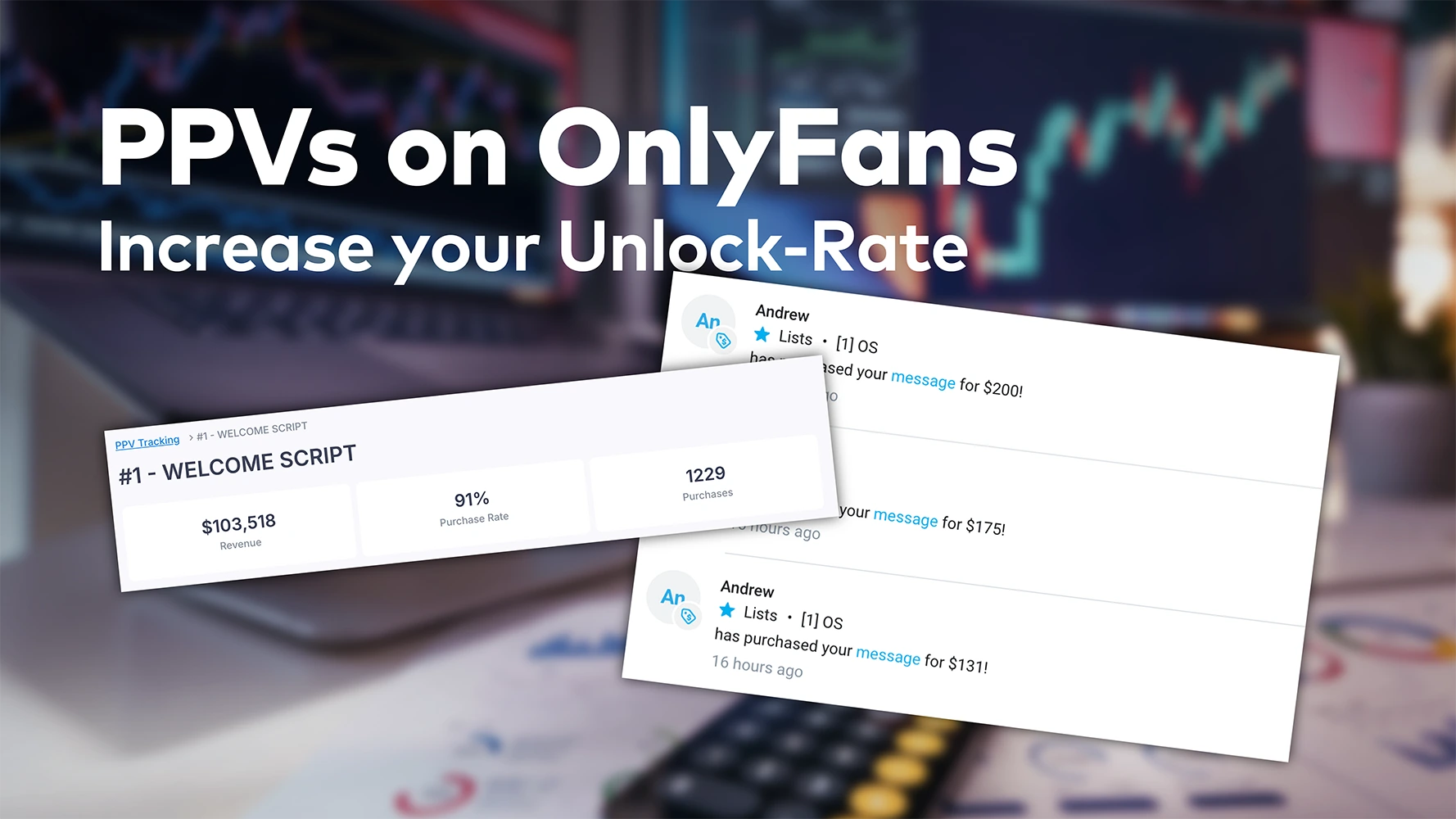
PPV on OnlyFans means pay-per-view: content that stays locked until a fan pays a one-time price to unlock it, on top of any subscription. Under the OnlyFans Terms of Service (as of October 2026), the creator sets that price for each piece. On the accounts we manage, most PPVs go out as locked messages in the DMs.
PPV is also the highest-leverage feature on OnlyFans for one reason: it lets you charge separately for every piece of premium content. For most of the accounts we manage, PPV is where the majority of monthly revenue actually comes from. The gap between an average account and a top performer almost always traces back to how the PPVs are structured.
This guide is written from the inside of a chatting agency, not from a generic blog. It covers what PPV actually is, the formats that consistently sell, how to price them so fans buy in the first place, and the operational tactics our chatters use every day to push unlock rates higher.
What is PPV Content?
PPV, short for Pay-Per-View, is the OnlyFans feature that lets creators charge a one-time fee for access to a specific piece of content. Subscriptions get fans through the door. PPV is what scales revenue per fan once they're inside.
A PPV item can be a video, a photo set, a voice note, or a custom clip. It stays locked until the fan pays the set price to unlock it. Unlike subscription content, PPV doesn't dilute the value of your feed. You can reserve your most exclusive material for the fans most likely to buy it.
For most accounts in our portfolio, PPV is the dominant share of monthly revenue. Some creators run free subscriptions and put 100% of their monetization behind PPV. Others charge for the sub and use PPV as the upside lever. Both work. What matters is how the PPVs themselves are designed.
How a PPV Sale Actually Happens
- Tease. A short blurred clip or a tight caption goes out via DM or as a paywalled post. The teaser does most of the conversion work.
- Lock. The content is priced and sent. Fans tap to unlock it.
- Follow up. The chatter messages fans who viewed but didn't unlock, usually a few hours later. This step is where unlock rate doubles or stalls.
The mechanics are simple. The strategy is not, which is why most creators leave significant revenue on the table.
What Does PPV Mean, and What Does "No PPV" Mean?
PPV means pay-per-view: a piece of content that is sent or posted locked, with a price attached, and only unlocks for the fans who pay for it. On OnlyFans, PPV exists in two places. It can be a locked message in the DMs or a paid post on the feed. The DM version is where almost all of the money is.
When a creator writes "no PPV" on her profile, it means the opposite model: everything is included in the subscription, and nothing extra is locked behind a price. It's a positioning choice. Subscribers pay more upfront and expect no paywalls inside. For the accounts we manage, we almost never run pure no-PPV setups: the subscription is the entry ticket, and PPV is where the account actually earns.
Which PPV Formats Actually Sell?
Four formats carry nearly all PPV revenue on the accounts we manage: script PPVs, mass-message PPVs, customs, and second-row follow-ups. What they share is that they feel exclusive and they're easy to consume on a phone in under a minute. One of them outperforms the others by a wide margin in nearly every account we run.
Internally we sort every PPV we send into one of these four buckets. Each has its own job, its own audience, and its own pricing logic.
1. Script PPVs
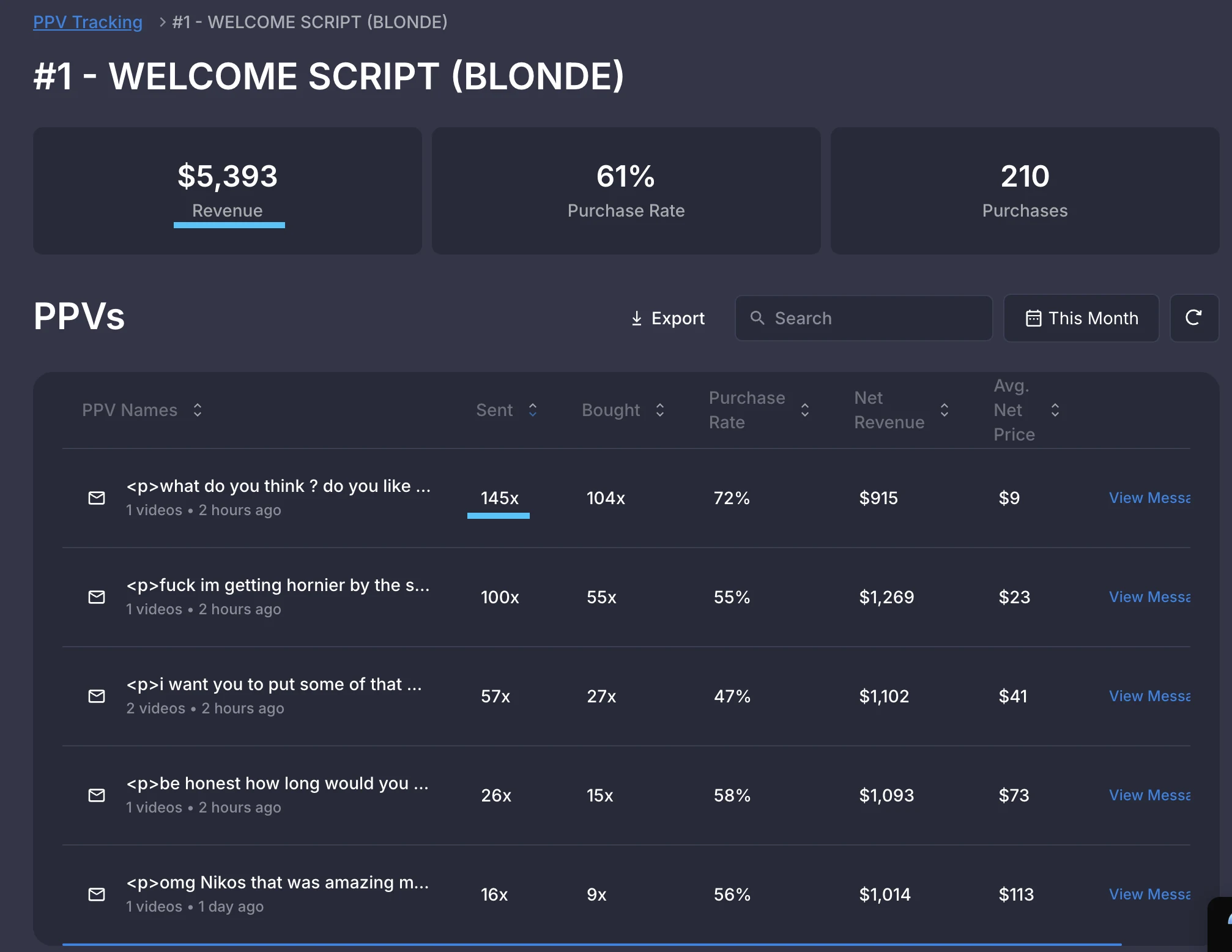
The structured PPV sequences a fan moves through inside a defined script. Typically that's the first script a new fan gets on the account. Each clip reveals slightly more than the previous one, and the price climbs in parallel. Our standard ladder runs $15 → $25 → $45 → $70 → $120. By the time the fan unlocks the fifth piece, they're paying a price point they would never have paid cold. Each previous purchase made the next jump feel like a small step. Script PPVs are where most new-fan revenue is built. Of the four formats, this is the one that outperforms the others by a wide margin in nearly every account we run.
2. Mass-message PPVs
Standalone PPVs that go out to all fans at the same time, no matter how often a fan writes. They aren't part of a defined script run. Mass-message PPVs are priced low and show less than the higher rungs of a script. Our baseline is two mass-message PPVs per week to all fans on the account. These keep the rest of the base monetized in between script work.
3. Customs
Content recorded for one specific fan in response to a request. Priced in a tier above the standard ladder ($150 to $500+), paid on a 50/50 split (half upfront, half on delivery), turnaround under 72 hours. See the 1-on-1 guide for the full operational mechanic.
4. Second-row selling PPVs
The PPVs that follow up on a fan who just bought. The fan who unlocked is the warmest fan on the account in that moment; a well-placed next PPV inside the same conversation extends the run without breaking the rhythm. Most accounts under-use this slot. We treat it as a distinct format because the buying state of the fan is fundamentally different from the state at the start of the run.
How Should You Price PPV Content?
Start low and climb: our standard ladder opens a new fan around $15 and steps up to $120 as trust builds. Pricing PPV is mostly a trust problem disguised as a math problem. Most "premium pricing" strategies fail because the platform has trained fans to expect to be disappointed. Even a fan who can afford a $50 PPV holds back. Pricing has to acknowledge that.
That principle drives the pricing rules we use across the portfolio:
- Anchor low on PPV #1. The first paid item for a new subscriber sits around $15 in our typical ladder. That's low enough to make "yes" easy and high enough that the unlock means something. Build the buyer habit before you try to maximize the sale.
- Step up gradually, not in jumps. Each PPV in the ladder should feel like a small increment from the last. Our standard ladder runs $15 → $25 → $45 → $70 → $120; skipping from $15 straight to $70 breaks the climb.
- Match price to format. Short clips and photo sets at the bottom of the band, longer or personalized clips at the top, and customs above the ladder entirely.
- Account for the platform fee. OnlyFans keeps 20% of every fan payment (as of October 2026, per its Terms of Service). Net revenue is what matters when you set targets.
- Test weekly, not constantly. Pricing changes need at least a few hundred sends to show real signal. Don't whipsaw your prices off a slow day.
How Do You Send a PPV Message on OnlyFans?
Mechanically it's simple. The craft is in everything around it. To send a PPV in the DMs: open the conversation (or a mass-message list), attach the content, tap the price tag icon, set your price, and add the caption before you send. The fan sees the caption and a blurred, locked preview; the media unlocks when he pays. For a paid post on the feed, the same price step happens in the post composer instead.
Two things we make every chatter check before the send: the caption sells the content (not just "new video"), and the price sits on the right rung of the account's ladder. Our mass messages go to all fans, and everyone who has bought a mass-message PPV before gets an extra message on top. OnlyFans enforces minimum and maximum prices per message; check the current caps in the composer when you build your ladder rather than relying on outdated blog posts.
How Do You Increase Your PPV Purchase Rate?
Three habits do most of the work: tracking unlock rate per segment, following up with fans who viewed but didn't buy, and iterating teasers in small loops. Once the ladder is in place, the gains come from doing these consistently. You don't need to invent new mechanics.
Track Unlock Rate Per PPV, Per Segment
It isn't enough to know that a PPV did $X total. You need to know which segments of your fan base unlocked it (new subs, returning buyers or whales) and which didn't. The patterns will tell you where the ladder is breaking.
Send Reminders With Intent
A short, friendly follow-up to fans who viewed the teaser but didn't unlock is one of the most reliable unlock-rate lifts we see across the accounts we manage. Timing matters more than copy. For most accounts the best response comes when the reminder lands a few hours after the original send, not immediately.
Iterate Teasers in Small Loops
Teasers do most of the conversion work, so they deserve most of your testing budget. Vary clip length, blur amount, caption style, and tone. Keep a running log of what beat what. Two weeks of consistent teaser tests will usually outpace a year of pricing fiddling.
What Makes a PPV Actually Convert?
What converts is the feeling that the content was made specifically for that fan. Beyond the structural levers, the tactics below are the operational ways our chatters manufacture that feeling at scale.
Lean Into Authenticity
Reference the day, the time, or a small detail about the setting in the teaser caption. Fans pay more for content that feels spontaneous than for content that feels staged, even if the production is identical.
Use Honest Descriptions
Specific descriptions outperform hype. "30-second vertical clip, lingerie, soft lighting" sells better than "you won't believe what I just did." Honest framing builds trust; vague hype eats the next sale.
Build the Atmosphere
Pay attention to the small things, like pacing, eye contact, ambient sound and framing. Fans aren't paying for the clip; they're paying for the experience the clip creates. The creators who win on PPV are the ones who treat each sent message as a moment, not a transaction.
What Are the Most Common PPV Mistakes?
Five mistakes cover most underperforming PPV strategies: pricing too high too early, recycling identical clips, overselling teasers, ignoring analytics, and stopping at the sale. Most are fixable in a week.
- Pricing too high, too early. The single most common mistake. Higher prices feel like more revenue per send, but they collapse unlock rate. Until the value ladder is built, premium prices don't print.
- Recycling identical PPVs. Sending the same clip with a new caption is the fastest way to train fans to ignore you. Vary outfit, angle, or framing on each rerun.
- Vague or oversold teasers. When the teaser promises more than the content delivers, the refund rate rises and the lifetime value of the fan drops.
- Ignoring analytics. Without weekly review of unlock rate per PPV, you're guessing. Even a basic spreadsheet beats no tracking at all.
- Stopping at the sale. The fans who already bought are the easiest to convert again. A short thank-you message in DM right after an unlock pays for itself many times over.
Which PPV Guide Should You Read Next?
This guide covers the mechanics. Each of the three deep dives below takes one part further, written from the same accounts and built on the same ladder.
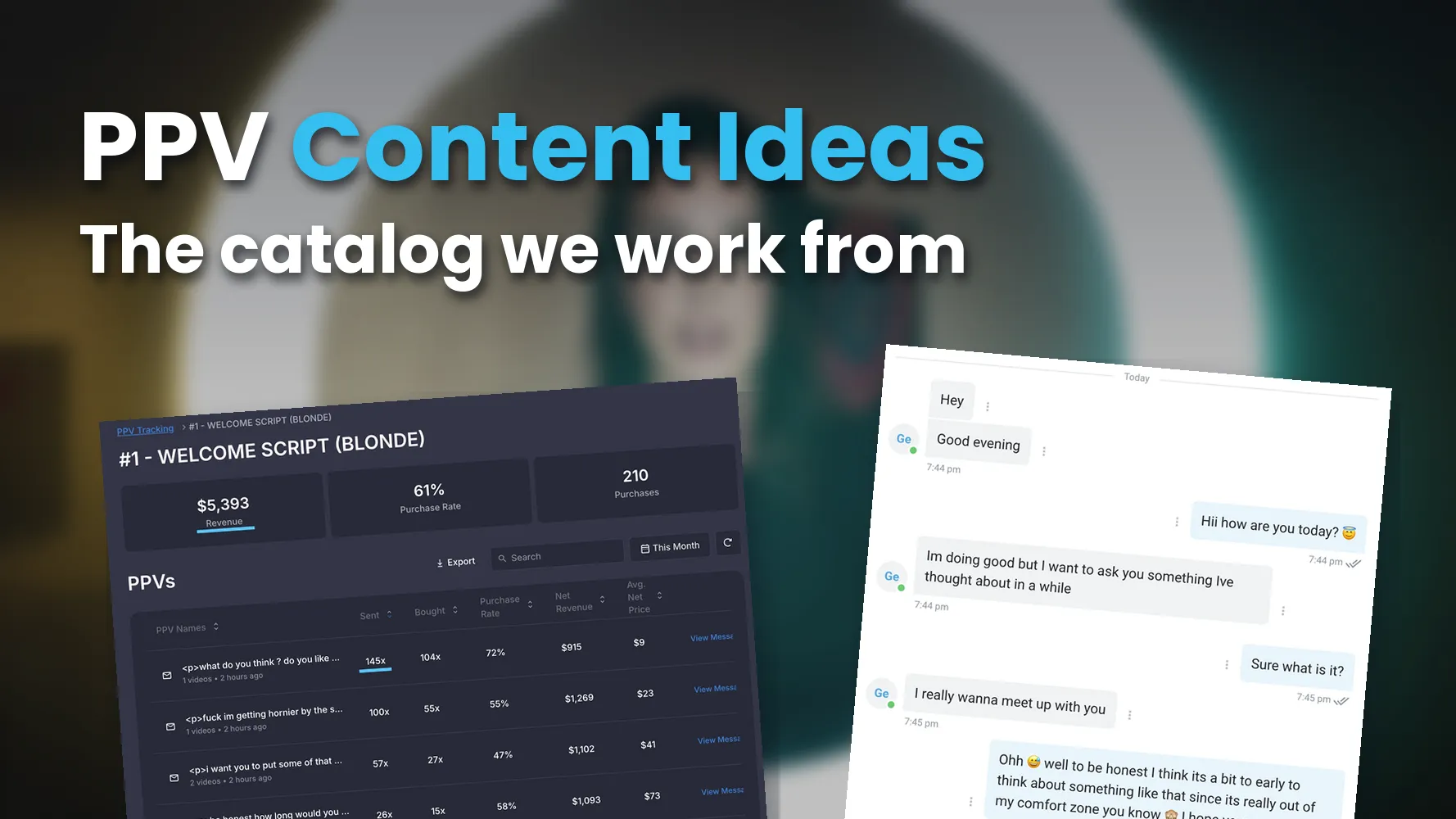
PPV Content Ideas: What to Actually Send
This is the idea catalog our chatters work from, sorted the way they pick the next send on shift: by fan type, by rung of the $15 → $120 ladder, by occasion, and by series formats such as three-part storylines and countdown drops that sell to the same fan more than once. It also lays out the weekly frame of five to seven sends that a single batch shoot covers. Read OnlyFans PPV content ideas when the schedule says "send a PPV today" and nobody knows what it should be.
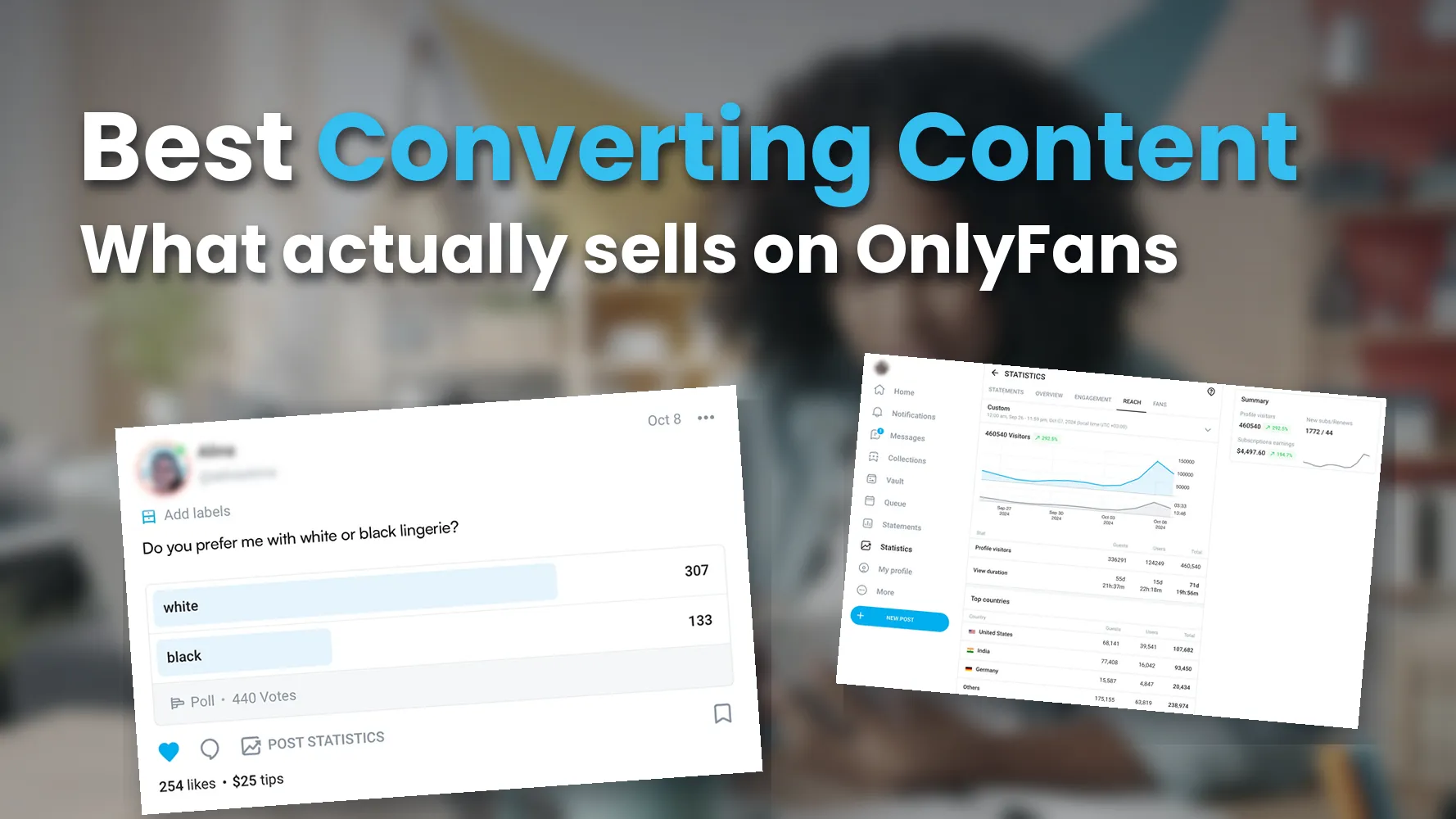
Best Converting Content: Why Delivery Beats Niche
Niche decides who subscribes; delivery decides what sells. A personalized offer inside a conversation outsells the same file in a broad blast, and the post breaks down the four types that carry most unlocks on our accounts: laddered PPV sequences, GFE formats, customs, and simple formats sold with context. It closes with the test loop we run, judged on revenue per script start rather than gut feel. Read our breakdown of the best converting OnlyFans content before you film more, because the bottleneck is usually delivery, not the vault.
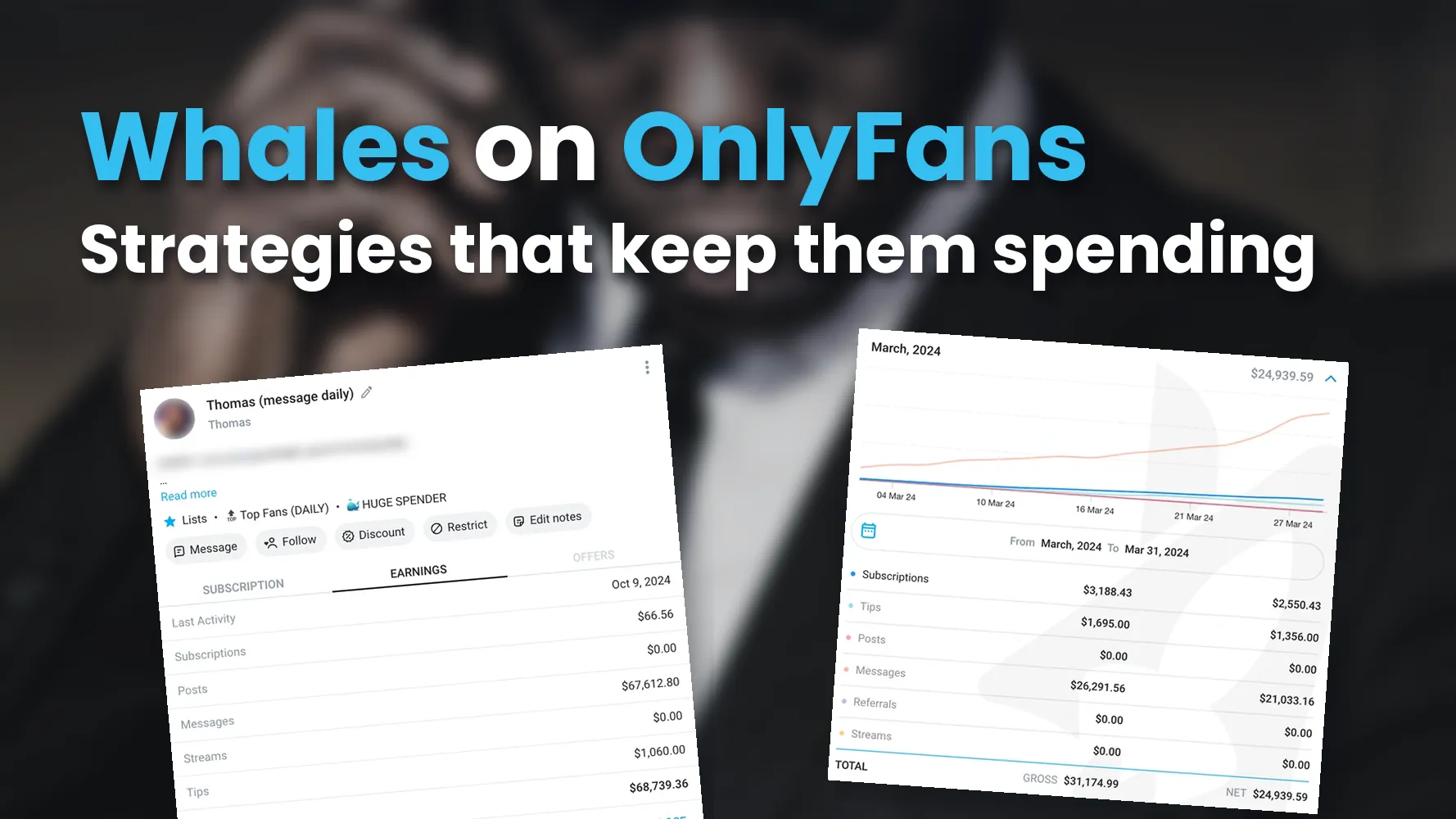
High-Spender Strategies: Keeping Whales Once You Have Them
This one starts where a fan crosses $500 in total spend, the line where we count him as a whale. It covers the four spend tiers we tag every fan into, the daily whale routine on every shift, and why a whale's prices only move up: he graduates off the ladder into customs and one-of-one offers and never sees a discount. Read our strategies for high-spending OnlyFans subscribers if whales show up on your account and then quietly disappear.
FAQ
What does PPV mean on OnlyFans?
PPV stands for pay-per-view: content that stays locked until a fan pays a one-time price to unlock it, on top of any subscription. On the accounts we manage, almost all PPV revenue comes from locked messages in the DMs. A profile that says "no PPV" means the opposite: everything is included in the subscription, with nothing extra behind a price.
How much does PPV content cost on OnlyFans?
On the accounts we manage, mass-message PPVs usually sit between $15 and $60. Script PPVs climb a ladder instead: the first step opens around $15, and our standard ladder tops out at $120. Customs sit above both at $150 to $500+. The roughly $50 per script start you'll see in our other PPV posts is a different metric: the average revenue per started script across all fans, not the price of a single PPV.
Should I send PPVs to every subscriber or only some?
Mass-message PPVs go to every subscriber, no matter how often he writes. Everyone who has bought a mass-message PPV before also gets an extra message. New subs start with the welcome sequence, and the ones who want to buy move up the value ladder. Long-time spenders get higher-tier or custom offers.
How often should I send PPV messages?
Our baseline is two mass-message PPVs per week to all fans, no matter how often they write. On top of that come script PPVs in the individual chats and customs on request. Whales tolerate (and often want) more frequent PPVs.
What's a reasonable starting price for my first PPV to a new fan?
Our typical first PPV opens at $15. We keep it low on purpose, because the first successful purchase lifts the unlock rate on everything that follows in the ladder. That matters more than maximizing a single send.
Can I run an OnlyFans account on PPV alone?
Yes. Some of the best-performing accounts in our portfolio do exactly that, with free subscriptions and 100% of revenue from PPV. It puts more weight on the value ladder being well-designed, but it removes a friction point at sign-up.
How long should a PPV video be?
Short. Most of our best-converting clips are 20–90 seconds. Anything longer needs a strong reason to exist, because phone-watching attention drops fast past the one-minute mark.
Build a PPV system that compounds month over month
Our chatters run the value ladder, the teaser tests, and the follow-ups for you. They cover every fan, every day. Let's see what your account is leaving on the table.
Get a free account analysis